


If you’ve ever sat staring at a half-empty lead record, wondering where the phone number went or whether the email is even real, you’re not alone. I’ve been there too, digging through LinkedIn, cross-checking websites, and praying the data gods send something usable.
Then I discovered enrichment APIs, and everything changed.
Suddenly, the messy part of prospecting evolved into a fully automated lead generation system. Clean data showed up where I needed it.
So, in this guide, you’ll get the exact APIs that make that happen: practical, battle-tested, and perfect for SDRs and GTM teams who want to move faster.
But let’s first zoom out for a second. Before we talk tools, you need to understand what “contact enrichment” actually means and why it saves SDRs hours every week.
What’s contact enrichment and why does it matter?
Think of contact enrichment as giving your blurry b2b leads list a pair of glasses. It fills in missing details (like role, company size, tech stack, or intent signals), so you actually know who you’re reaching out to. Instead of guessing, you’re working with a clear picture.
I first learned its value when I chased a “Director” who turned out to be an intern. After running the list through enrichment, everything changed. You’ll see the same shift when you plug enriched data into your sales and marketing tools. CRMs sync smoother, sequences get sharper, and routing stops feeling like a coin toss.
Good data creates better pipeline. It lets you personalize without sounding creepy, qualify faster, and avoid wasting touches.
Here’s the difference in practice:
- Before → vague titles, bad emails, generic outreach.
- After → accurate roles, verified contacts, messages that land.
Enrichment makes every step easier and much more effective.
Once you know why enrichment matters, the next question naturally pops up: how does this magic even happen? Let’s break down how these APIs pull, verify, and deliver the data you rely on.
Stop hunting. Start closing.
Your reps shouldn’t spend half their day digging for leads. Let Generect API auto-fill your CRM with real-time, verified contacts while your team focuses on selling.
How do contact enrichment APIs work?
If you’ve ever stared at a half-empty lead list and thought, “What am I supposed to do with this?” you’ve already felt the pain contact enrichment APIs solve. They work like a smart assistant that fills in the missing pieces for you, automatically and at scale.
It starts with a simple input: an email, a domain, or even a name. A powerful b2b data api takes that tiny clue and runs a lookup across multiple data sources. Think public web data, partnerships, social profiles, firmographic databases, and sometimes user-contributed info.
A few seconds later, you get a clean output: a richer, more complete profile you can actually act on.
You’ll usually see data like:
- Email verification (so you don’t bounce).
- Company info (industry, size, revenue).
- Technographics (what tools they use).
- Social links (LinkedIn, X, GitHub).
- Intent signals (are they researching your category?).
This is where it gets fun. Once enriched, that data flows straight into the tools you already live in. HubSpot, Salesforce, Reply.io – most APIs sync with them directly or through a connector. You don’t babysit the process; it just updates records in the background while you move on to selling.
Once you see how effortlessly enrichment fits into your workflow, you’ll wonder how you ever prospected without it.
And now that you know how these APIs work behind the scenes, it’s time to get practical. Not all tools are worth your budget, so here’s how to quickly spot the ones that actually perform.
Still uploading CSVs? Not anymore.
Kill the manual exports. Plug in Generect API and your CRM updates itself with clean, validated leads 24/7.
What should you look for in a good contact enrichment API?
When you’ve tested a few enrichment tools, you start to notice the same pattern: the best ones quietly make your workflow smoother, while the weak ones create more cleanup than clarity.
To spot the good ones faster, focus on a few core traits.
Start with accuracy and data freshness. You want data that feels alive: updated often, validated, and reliable enough that you don’t second-guess it. Right after that comes coverage. Check whether the contact data enrichment API services understand your world: the industries you target, the regions you sell into, and the roles you prospect every day.
Then look at speed and uptime. You’re not just buying data; you’re buying time. Fast responses keep your tools snappy and your sequences flowing. And because you’ll plug this API into your stack, make sure it offers clean integrations and solid documentation. If developers groan, move on.
Pricing matters too. Choose a tool that scales with you, not against you. You want predictable costs as your team grows.
Finally, don’t overlook support and transparency. Great vendors explain where their data comes from, answer questions quickly, and help you troubleshoot without drama.
When you find an API that nails all this, you’ve found a partner, not just a data feed.
With the criteria fresh in your mind, let’s explore the top contact enrichment APIs that consistently stand out. These are the tools real SDRs and GTM teams swear by.
What are the best contact enrichment APIs worth knowing right now?
Matter-of-factly, not all enrichment APIs are created equal. Some find emails fast, some enrich deeply, and some plug into your workflow like magic.
So let’s break down the best contact enrichment APIs that actually make prospecting easier, faster, and way more reliable.
Here’s a quick, no-BS comparison to help you decide fast.
| API | Best for | Data depth | Email accuracy | Real-time leads | Ease of automation | Pricing model | Why choose It |
| Generect | Full real-time lead-gen + enrichment | ⭐⭐⭐⭐⭐ | ⭐⭐⭐⭐⭐ (validated instantly) | Yes = fully real-time | Very easy (API + MCP natural language) | Pay-as-you-go | Automated lead generation + enrichment with unmatched speed |
| Hunter | Fast email finding & verification | ⭐⭐⭐ | ⭐⭐⭐⭐ | No | Easy | Freemium + credits | Simple, reliable email lookup tools |
| Snov.io | Budget-friendly email finding + validation | ⭐⭐⭐ | ⭐⭐⭐⭐ | No | Easy | Freemium | Great for early-stage teams and bulk verification |
| Apollo | Enrich + update contact/CRM data | ⭐⭐⭐⭐ | ⭐⭐⭐ | Partial | Medium | Usage-based | Flexible workflows across CRM + outreach |
| Lusha | Prospecting + quick mobile numbers | ⭐⭐⭐ | ⭐⭐⭐⭐ | No | Easy | Credits | Strong phone data and simple enrichment |
| ZoomInfo | Enterprise-scale data depth | ⭐⭐⭐⭐ | ⭐⭐⭐⭐ | Partial | Medium | Subscription | Huge dataset for large GTM teams |
| Cognism | Highly compliant, accurate mobile numbers | ⭐⭐⭐⭐ | ⭐⭐⭐⭐ | No | Medium | Credit-based | Best for compliance + EMEA data accuracy |
| FullEnrich | Email + phone enrichment (20+ sources) | ⭐⭐⭐⭐ | ⭐⭐⭐⭐ | Asynchronous | Medium | Credits | High match rates with lightweight setup |
| UpLead | Clean B2B data with predictable pricing | ⭐⭐⭐⭐ | ⭐⭐⭐⭐ | No | Easy | Pay-per-result | Only pay when data is verified |
| People Data Labs | Deep professional + workforce data | ⭐⭐⭐⭐⭐ | ⭐⭐⭐ | Yes | Medium | Pay-per-match / license | Best for depth, analytics, and structured profiles |
| FullContact | Identity-level insights + affinities | ⭐⭐⭐⭐⭐ | ⭐⭐⭐ | Yes | Medium | Subscription | Rich persona and profile-level data |
| Icypeas | High-volume email verification + scraping | ⭐⭐⭐ | ⭐⭐⭐⭐⭐ | Yes | Easy | Flexible credits | Top-tier catchall verification + profile scraping |
| Kaspr | LinkedIn-to-CRM enrichment | ⭐⭐⭐ | ⭐⭐⭐ | Yes | Easy | Credits | Fastest way to enrich LinkedIn-based workflows |
| Wiza | Real-time LinkedIn enrichment | ⭐⭐⭐ | ⭐⭐⭐⭐ | Yes | Easy | Pay-per-verified-email | Verified emails only, no wasted credits |
And here are the details.
Generect API

If you’ve ever sat in front of a cold list thinking, “There has to be a better way,” Generect’s API is exactly that better way. It feels like plugging a lead-gen engine straight into your CRM so the good stuff just appears: fresh, verified, and ready for outreach.
What makes Generect stand out is how instant everything feels. Instead of scraping sites or exporting CSVs, you set your ICP once (industry, seniority, company size, geography) and the API starts hunting immediately.
It delivers leads in real time, complete with validated emails, firmographics, and job details. No batch processing, no waiting for a file to download. It’s like having a tireless SDR sourcing 24/7.
The workflow is simple and surprisingly hands-off:
- Define your ICP or send a lead you want enriched.
- Generect searches multiple data sources and scores every match.
- Emails get validated on the spot. No more bounces or useless contacts.
- Your CRM updates automatically, and your team focuses on conversations instead of research.
And here’s where Generect quietly becomes a game changer:
Their MCP (Model Context Protocol) integration turns the entire API into something you can control with natural language. Instead of building complex queries, you can literally ask an LLM:
“Find 10 fintech directors in the UK and compare them with 10 from Germany.”
The model handles the search, fetches the data through Generect, cleans it, and returns a summary. No parameters, no manual filtering. It feels like having a smart research assistant who already knows what you need.
For sales teams, Generect means fewer dead ends and more conversations. For agencies, it means building client pipelines without drowning in manual enrichment. For founders, it’s a shortcut to efficient lead generation for startups and early customer discovery.
And if you’re building a SaaS product, white-labeling the API lets you offer real-time lead data as if you built the engine yourself.
If your goal is to automate prospecting, eliminate stale data, and scale without throwing bodies at the problem, Generect gives you the infrastructure to do it. You set the rules. The API does the digging. Your CRM stays full and your team stays focused on closing.
Your next customer is already waiting
Why chase outdated lists? Get fresh, high-intent B2B prospects delivered straight to your stack the moment they’re found.
Hunter API
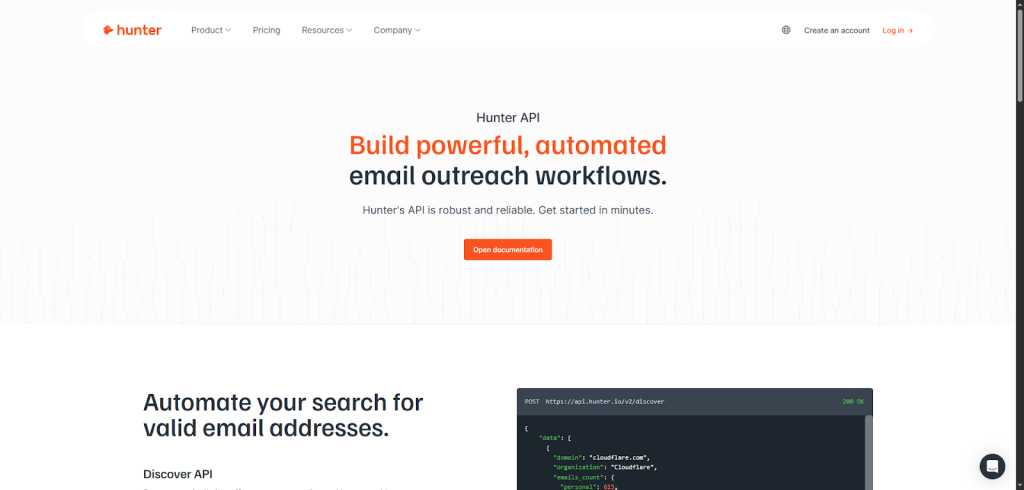
If you’ve ever needed to find a valid email right now, you’ve probably bumped into Hunter. Their API feels like a toolbox built for SDRs who want fast, accurate contact data without overthinking the setup.
Hunter gives you a few powerful building blocks. The Domain Search, Email Finder, and Email Verifier APIs help you track down real emails and confirm they won’t bounce.
When you need to go deeper, the Lead Enrichment API turns a single email or LinkedIn handle into a full profile: job title, location, social handles, even executive-level roles. It’s simple: you give it one piece of info, it gives you the whole picture.
What I love most is how easy it is to filter and discover new accounts. The Discover API lets you search for companies that match your ICP using natural language. Want US-based software companies? You can pull that in seconds and see how many verified emails are available.
Hunter also makes lead management painless. The Leads API lets you create, update, or delete leads programmatically, so everything stays synced in your CRM or outreach tool.
If you’re testing enrichment tools, Hunter is one of the easiest to start with. The docs are clean, the setup takes minutes, and there’s a free API key – perfect for experimenting before you scale.
Snov API
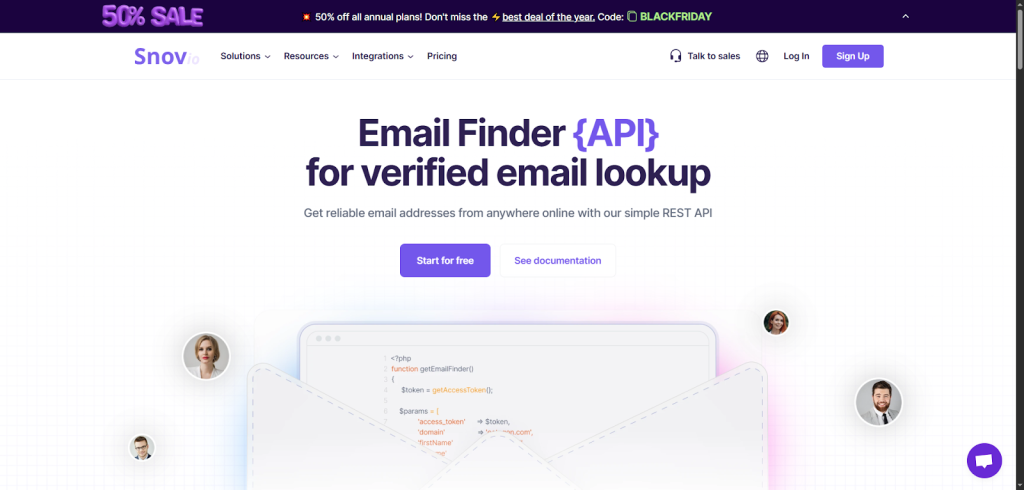
Snov.io is simple, fast, and perfect when you need verified emails without a complicated setup. Even better, you can start for free, which makes testing painless.
Snov.io gives you two core APIs that SDRs use every day.
First is the Email Finder API. It helps you pull reliable emails from a domain, a URL, or a name-and-company combo. You can even retrieve full profiles from an email if you want context before reaching out. It’s great for fast prospecting or filling in gaps on a cold list.
Then there’s the Email Validation API, which cleans your contacts before you launch a campaign. It runs a detailed verification process (domain checks, catch-all detection, mailbox existence, SMTP tests) to keep your bounce rate close to zero. If you’ve ever watched your deliverability crash, you know how big that is.
Both APIs are easy to automate. You can run bulk searches, pipe results into your CRM, or connect them to tools like Zapier and Make. The rate limits are reasonable, and the documentation is beginner-friendly.
If you want a budget-friendly enrichment engine that still feels powerful, Snov.io is a solid pick, especially if you’re scaling your outbound for the first time.
Apollo API
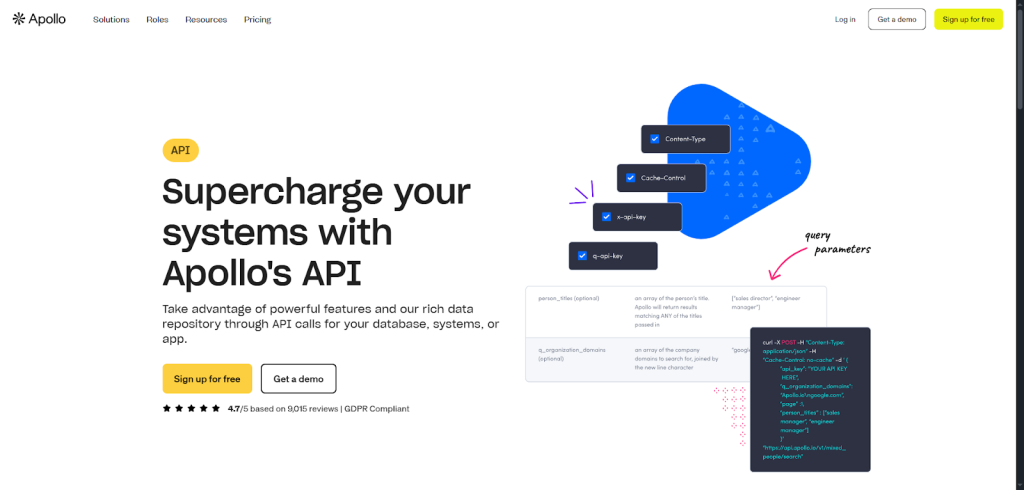
Apollo’s API taps directly into Apollo’s massive B2B dataset and lets you pull the exact contact or account info you need, on demand.
What makes it powerful is how flexible it is. You can enrich people or company records with emails, phone numbers, company size, tech stack, and more. And because the API mirrors almost everything in Apollo’s UI, you’re not limited to simple lookups. You can update records, trigger actions, or even adjust sequence settings automatically.
This is great when you want to:
- keep your database fresh without manual cleanup,
- modify outreach sequences programmatically, or
- customize workflows by updating tasks, fields, or priorities in the background.
Pricing is simple: you pay based on consumption, and each API call counts as one request. You can see usage limits right in the response headers.
The best part? You don’t need to be a developer to get started. Apollo offers clear API docs, and most teams begin by enriching contacts, syncing the data into Salesforce or HubSpot, then expanding into automated workflows.
Meet the API that never sends you bad data.
No more stale contacts. No more bounces. Just verified emails, clean profiles, and real companies, every single time.
Lusha API
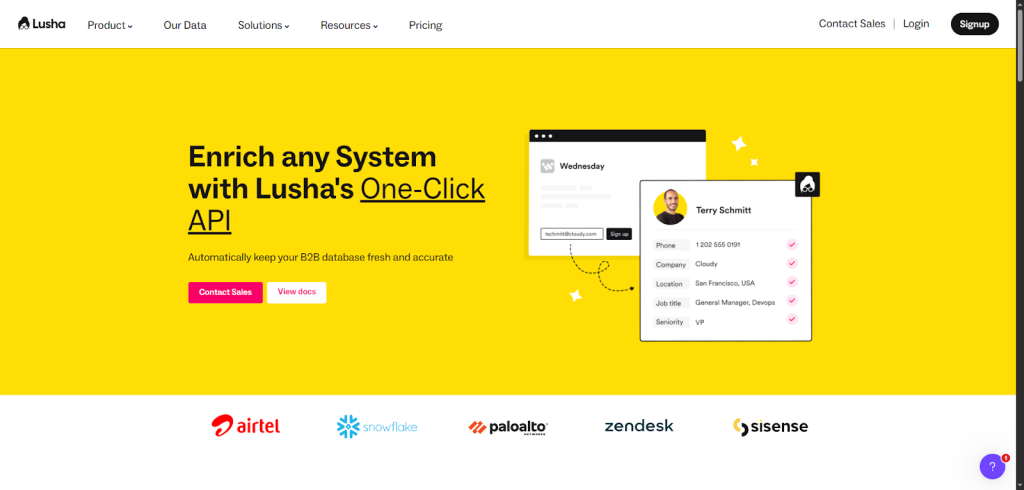
Lusha’s API is built for teams that want clean, enriched data without wrestling with complex setups or waiting on engineering.
Lusha gives you three core APIs.
- The Prospecting API helps you build high-quality lead lists using ICP filters like title, seniority, location, and industry. It’s great when you want to narrow your audience fast and get straight to outreach.
- The Person API enriches contacts with direct dials, emails, and workplace updates. You can even pull profiles using just an email or LinkedIn URL.
- And the Company API fills in firmographic details (size, industry, tech stack) and lets you bulk-update up to 100 companies at once.
All of this ties directly into your CRM or CDP, and you can automate the whole thing with no-code tools like Zapier or Workato. Set it up once, then let Lusha keep your database fresh in the background.
What I like most is how practical it feels. Define your filters, choose the right API, and let it regularly refresh your records. You spend less time prospecting and more time talking to buyers who actually fit.
ZoomInfo API
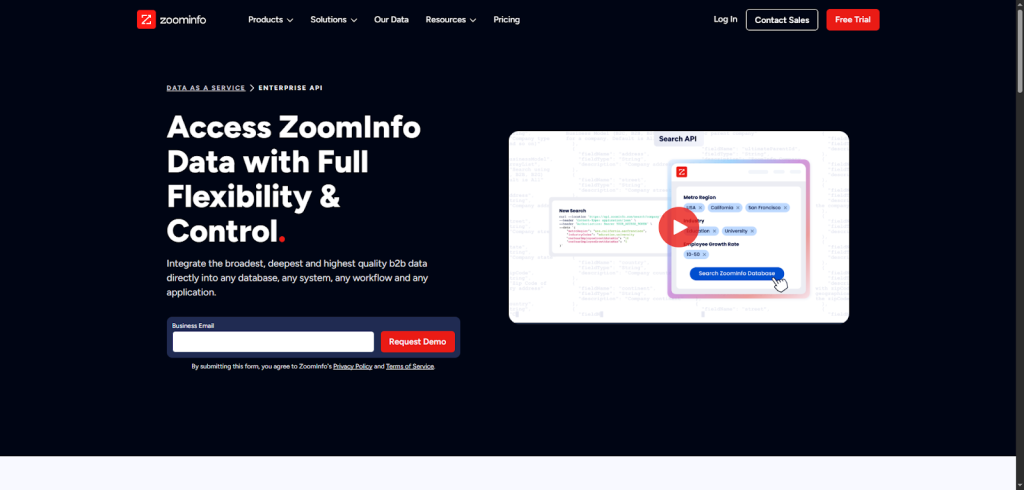
If you’ve ever tried to clean a giant CRM and thought, “There has to be a faster way,” ZoomInfo’s API is the kind of tool that makes you breathe easier. It gives you direct access to one of the largest B2B databases out there, and lets you plug that data into any system you already use.
The real power comes from how flexible it is. You can:
- Search and enrich contacts or companies on demand,
- Redeem millions of records at scale,
- Receive real-time updates as ZoomInfo refreshes its database,
- Identify website visitors through WebSights, and
- Stay compliant with opt-out and privacy API endpoints.
It means your CRM, product, internal tools, or even custom apps can stay up-to-date without manual work. Just set the automation once, and let ZoomInfo push fresh data into your workflow.
Where it shines most is speed. You can process thousands (sometimes millions) of records in seconds. For larger teams, that’s the difference between reacting late and acting while deals are still winnable.
If you’re scaling hard, need high match rates, or want a single source of truth for all GTM systems, ZoomInfo’s API is built for that world. It’s enterprise-level enrichment without the enterprise-level friction.
Cognism API
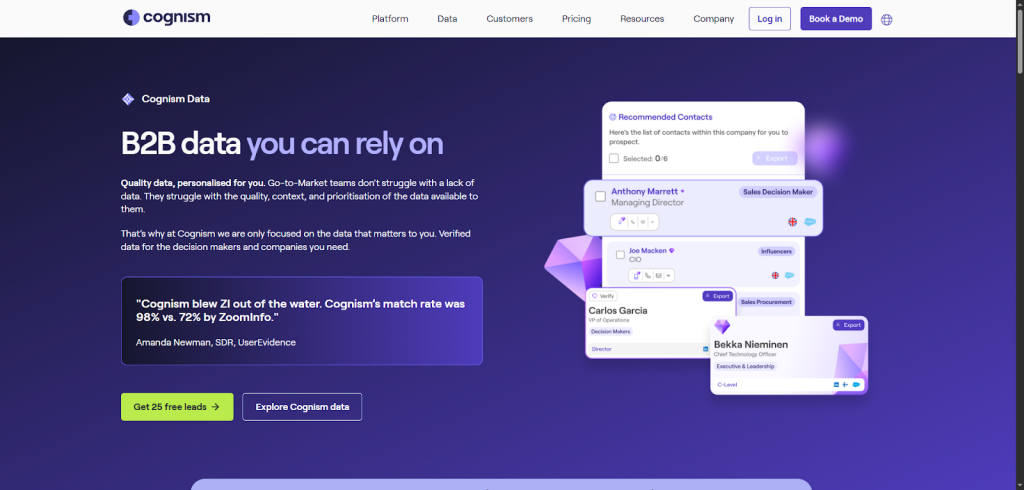
Cognism gives you two main workflows: Search and Redeem. You start by using the Search API to preview contacts or accounts based on filters like name, title, region, phone quality, or company details. It’s fast and doesn’t burn credits, so you can explore freely. Think of it as scouting before you commit.
When you find records you actually want, you switch to the Redeem API. This gives you the full profile: emails, phone numbers, job history, tech stack, locations, previous companies, skills, even education. It’s incredibly detailed, and you only pay credits when you redeem a contact (companies are free).
Cognism also makes it easy to control usage. You can fetch 20–100 previews at a time, redeem up to 20 contacts in a call, and scale to 1,000 records per minute. Plus, you won’t be charged twice for enriching the same contact again.
Stop guessing who to target.
Set your ICP once. Generect API does the rest: finding perfect-fit companies and contacts nonstop in the background.
FullEnrich API
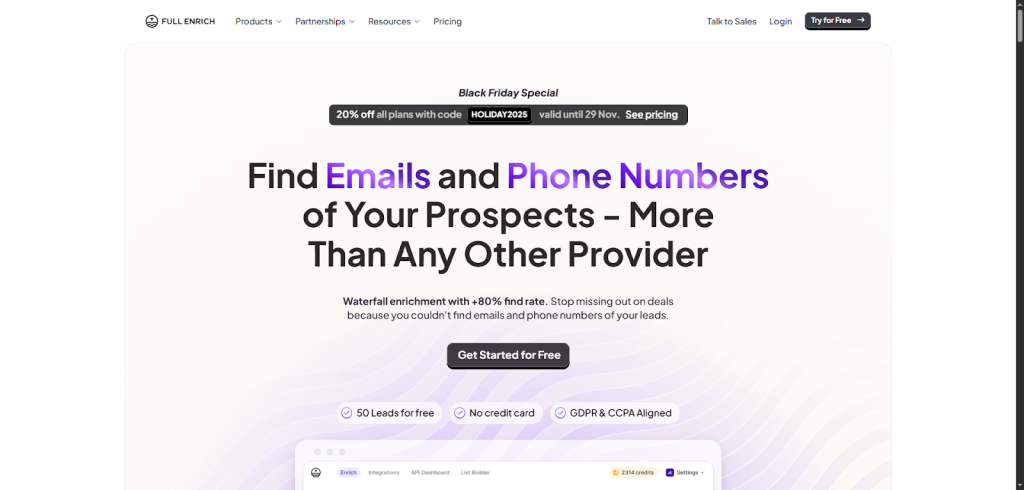
FullEnrich is one of those “small but mighty” APIs you try once and immediately add to your workflow. It’s built for one job – finding verified emails and phone numbers – and it does it by pulling data from more than 20 providers. That’s why the match rates feel noticeably higher than most tools in this category.
What makes FullEnrich different is how it delivers results. The API is asynchronous, which sounds technical, but here’s the simple version: instead of waiting on a long response, you trigger an enrichment and get an ID back.
Then the result is sent to your webhook when it’s ready. It keeps things fast and lets you enrich at scale without slowing your system down. If you prefer, you can also poll for updates, but webhooks are the easier path.
And you don’t need to code to use it. FullEnrich has native integrations with Zapier, Make, Clay, and n8n. Just drop in your API key and start enriching records inside your existing automations.
If you want to implement it in a product (maybe you’re building a sales tool or an AI agent) FullEnrich provides best-practice guides and technical tips so you deliver high-quality enrichment to your users.
For teams that care about accuracy, GDPR/CCPA alignment, and simple setup, FullEnrich is a strong, modern option to test.
UpLead API
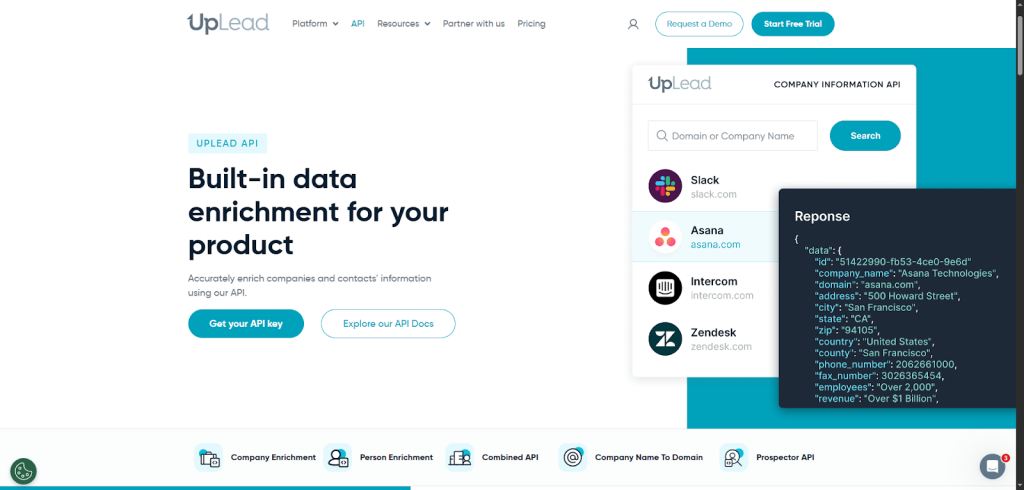
UpLead’s API is perfect when you want accurate company and contact data without the messy guesswork. It’s built to feel predictable, fast, and simple, so you can enrich leads or power an entire product feature with very little setup.
You get four main APIs to work with.
- The Company Enrichment API lets you turn a domain or company name into a detailed profile: size, location, phone numbers, social links, and 30+ other attributes.
- The Person Enrichment API helps you identify a contact using either an email or a name + domain pair. It returns core details like name, email, phone, and LinkedIn.
- If you want everything at once, the Combined API gives you both person and company data from a single business email.
- And when you need to build new lead lists fast, the Prospector API lets you find contacts by title, function, seniority, and location.
The best part? UpLead charges per successful result, not per call. If no verified data is found, you don’t pay. That makes testing and scaling far less stressful.
UpLead also throws in a free logo API, so you can auto-populate company logos inside your product or CRM.
People Data Labs API
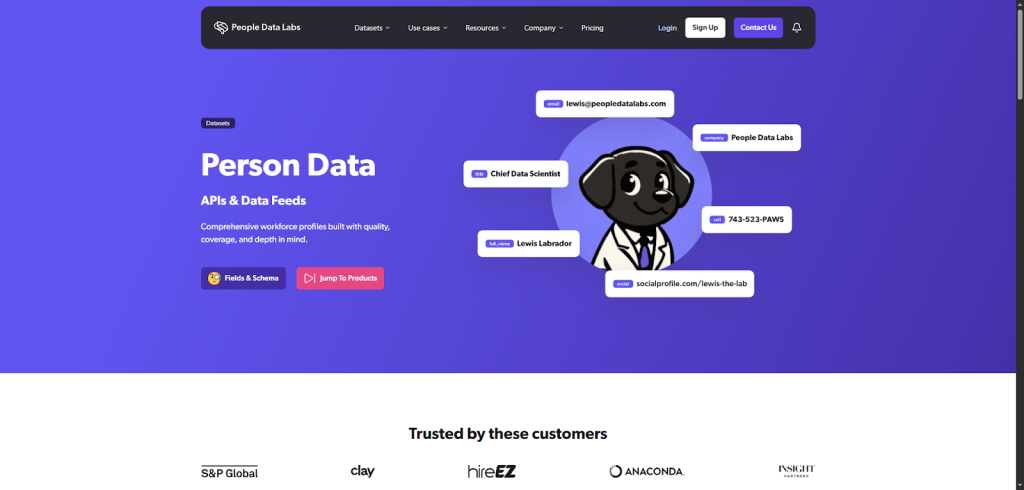
PDL specializes in rich, detailed workforce data, pulled from one of the most comprehensive person datasets in the industry.
The Person Enrichment API is the star. You can start with whatever info you already have (an email, a name, a LinkedIn URL, a phone number) and PDL will return a full profile. That can include work history, titles, seniority, education, skills, and social links. You control the match strictness, which means you only pay when you get the data you actually want.
If you need to go broader, PDL gives you supporting APIs like:
- Search API to find people based on roles, locations, or companies,
- IP Enrichment API to identify the companies visiting your website, and
- Cleaner APIs to fix formatting issues before you enrich.
What makes PDL stand out is flexibility. You can pull data via API, license big datasets, or access it through Snowflake or Databricks. And if you prefer no-code, PDL integrates with Zapier and Make.
If your team needs deep, structured, reliable data (and lots of it) PDL is one of the most powerful enrichment engines you can add to your stack.
FullContact API
FullContact is the API you turn to when you want to understand a person, not just reach them. Instead of relying on a single dataset, FullContact taps into its Person-Centered, which pulls together thousands of data points for each profile. If you’ve ever wished a lead record could tell you who someone is, not just how to email them, this is where FullContact shines.
You can start with almost anything: an email, a name, a phone number, even a social handle. The Person Enrichment API returns a complete profile: location, job title, social links, bio, age range, affinities, and more. It’s incredibly useful when you want to personalize outreach without sounding robotic.
The Company Enrichment API goes just as deep. You can grab executive lists, firmographics, social profiles, traffic metrics, and even key people with avatars. It’s a simple way to give your SDRs full context before they reach out.
FullContact also supports real-time updates, meaning your CRM can stay fresh automatically. And because they’re SOC2, GDPR, and Privacy Shield aligned, you don’t have to worry about compliance headaches.
If you need rich, identity-level data rather than surface-level enrichment, FullContact’s API gives you a lot of power with very little setup.
Lead generation without lifting a finger.
Generect API handles sourcing, validating, and enriching leads so your team can scale without burning time or budget.
Icypeas API
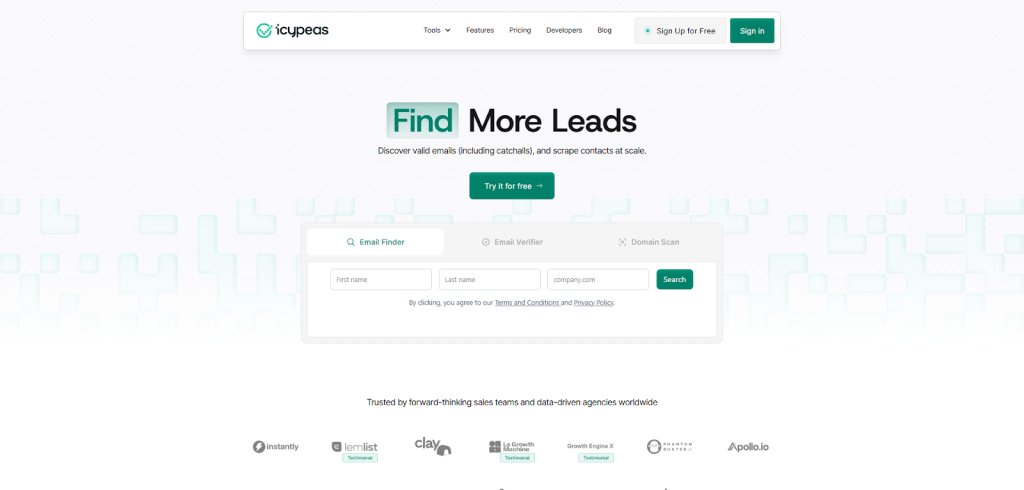
You can always start simpler. For example, feed Icypeas a name and domain through the Email Finder API, and you’ll get verified emails back instantly. Their database refreshes monthly, so you don’t chase outdated or bounced addresses.
And if you’re extra cautious, the Email Verifier API double-checks everything, even catchall domains most tools can’t validate.
But Icypeas goes deeper. If you’re scraping people at scale, the People Scraper API pulls job titles, company info, and online data you can use for lead scoring or personalized intros. If you’re targeting small businesses, the Domain Scan API finds generic emails like info@ or contact@ so you still have a valid entry point.
What makes it even better is how easily it fits into your workflow. High rate limits, flexible credits, and 99.9% uptime mean you can plug it into Zapier, your CRM, or your own product without slowing anything down.
For teams running high-volume outbound or agencies managing multiple clients, Icypeas gives you accurate emails, fast verification, and deep profile enrichment, all without overcomplicating your stack. It’s the kind of API you add once and wonder how you prospected without it.
Kaspr API
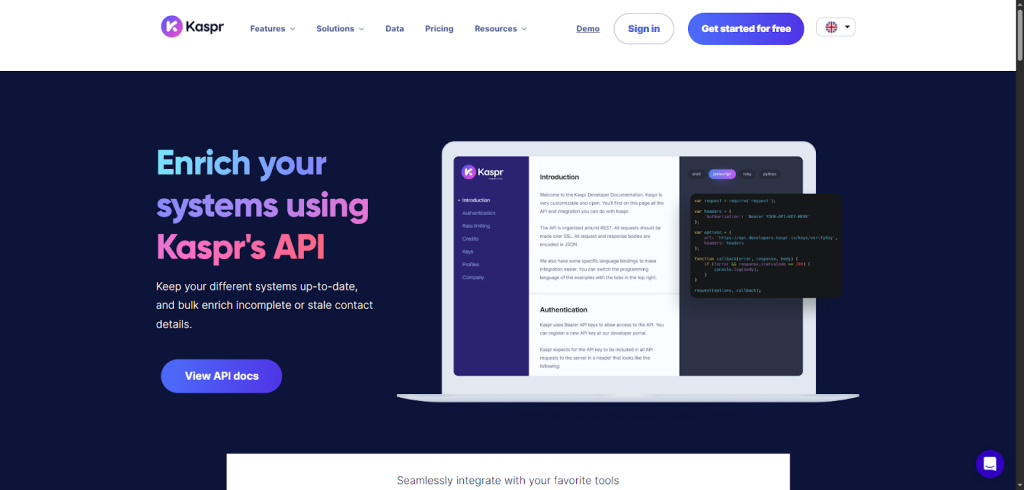
If your prospecting revolves around LinkedIn (let’s be honest – most SDRs live there), Kaspr makes enrichment almost too easy. You don’t have to reinvent your workflow or build complicated logic. You simply take a LinkedIn profile URL, send it to the API, and Kaspr fills in the missing pieces.
It feels like having a smart assistant who quietly updates your CRM while you keep moving.
Kaspr cross-references the profile with its own GDPR- and CCPA-aligned data, then enriches whatever’s missing: phone numbers, emails, job titles, company data. No guesswork. No manual copy-paste. And no bouncing between tabs to piece together a lead profile.
Once you’ve got it running, the benefits stack fast:
- Cleaner systems. Your CRM stays current without your team typing a single field.
- More selling time. Automation frees you from admin work.
- Better targeting. Accurate mobile numbers mean fewer dead dials and more conversations.
What I like most is how Kaspr integrates everywhere you already work: HubSpot, Salesforce, Zoho, Pipedrive, lemlist, Aircall, Zapier, and more. You don’t need engineering help; you just plug it in and start enriching.
For SDR teams and recruiters who rely on LinkedIn as their source of truth, Kaspr’s API turns URLs into fully enriched profiles. It’s quick, compliant, and surprisingly accurate, making it one of the easiest “wins” you can add to your enrichment stack.
Wiza API
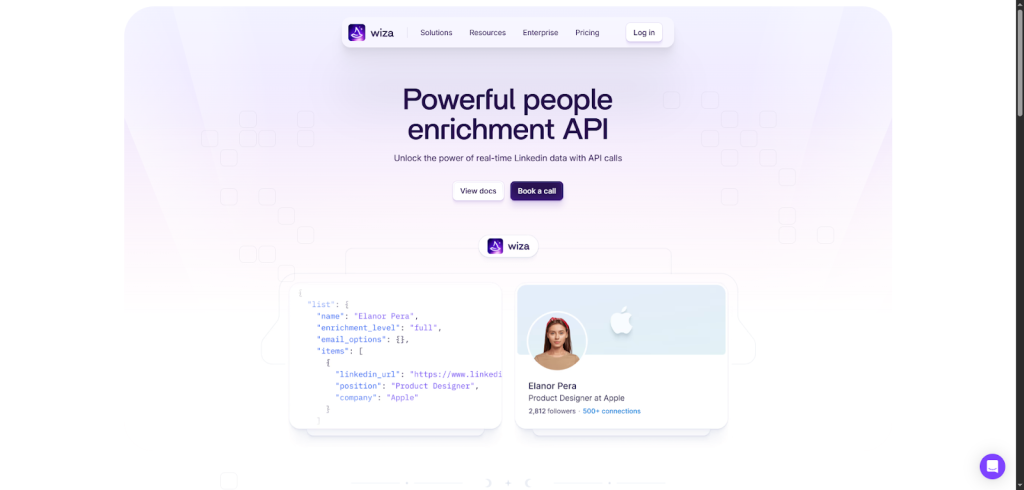
If you’ve ever wished you could pull LinkedIn data instantly (without clicking through profiles all day), Wiza’s API feels like cheating (in a good way). It turns simple inputs into fully enriched contacts in seconds.
You start with something tiny: a name and company, or even better, a LinkedIn URL. Wiza takes that and returns 50+ data points, including verified emails and phone numbers. It’s fast, clean, and built for SDRs who want less guessing and more connecting.
What makes it extra useful is how flexible it is. Don’t have URLs? No problem. You can build prospect lists programmatically using 20+ filters: job title, geography, headcount, and more. It’s like running a LinkedIn search, but inside your own workflow.
Using it feels simple:
- Call the API with a name/company or URL.
- Get a rich snapshot of your prospect.
- Push it straight into your CRM or sequence tool.
If your outbound relies heavily on LinkedIn signals, Wiza’s API gives you the accuracy you need without slowing you down. It’s prospecting power (automated!).
But with so many strong options, picking “the one” can feel tricky. Let’s walk through a simple way to match the right API to your goals, budget, and workflow.
How do you choose the right contact data enrichment API for your team?
Choosing an enrichment API feels a bit like choosing running shoes: you want the pair that fits your stride, not someone else’s. Start with the simple stuff: your budget, the type of data you need, the CRM you rely on, and your use case. When you’re clear on those, everything else gets easier.
If you want a quick decision path, here’s how I usually map it out when helping teams:
- B2B SaaS → choose APIs strong in technographics, company size, and intent. You’re selling into teams with tools, so you need tool data.
- Agencies → lean on broad coverage and fast verification. You’re cleaning lists for clients, so speed and accuracy matter more than depth.
- SMBs → focus on pricing and ease of setup. You want something plug-and-play without developer heavy-lifting.
Now, about the classic question: free vs. paid. Free enrichment is great for testing workflows or warming up early experiments, but it caps out fast. Upgrade when you need verified emails, better match rates, or automated syncing into HubSpot, Salesforce, Outreach, or whatever you’re using.
When you choose based on your actual motion (not hype) you end up with an API that makes your daily work lighter, not louder.
Choosing an API is only half the win. Now it’s all about weaving it into your daily process so it saves time automatically, not just in theory.
More selling. Less searching.
Sales teams lose hours prospecting. Generect’s API finds, enriches, verifies, and syncs the leads for you. Completely on autopilot.
How can you integrate enrichment into your workflow?
Once you pick an enrichment API, the next step is slipping it neatly into your daily workflow.
The good news? You don’t need to be an engineer to make it work. Most APIs plug right into tools you already use. Zapier, Make, and native integrations do the heavy lifting, so you don’t have to build anything from scratch.
A simple way to start is by automating the moments where new data enters your system. That’s usually:
- when someone fills out a form,
- when a record is created in your CRM, or
- when you trigger an outreach sequence.
Pick one of these touchpoints and let the API enrich the contact automatically. You’ll see the biggest impact with very little setup.
To make it concrete, here’s a sample workflow I’ve used with teams: Form submission → enrichment → routing → SDR notification.
It works like this: a lead fills out your form, your automation tool sends their email to the enrichment API, the API returns the full profile, your CRM routes them based on role or company size, and your SDR gets a Slack or email alert with everything they need to follow up. Nobody copies and pastes anything. Nobody slows down.
You can build similar flows into HubSpot, Salesforce, Outreach, or Apollo. Just connect the pieces once, then let the system run. After a few days, you’ll wonder how you ever qualified leads manually.
And finally, let’s bring it all together. Here’s the quick recap, plus a hands-on plan you can use to start enriching smarter today.
Key takeaways and action plan
If there’s one thing to remember, it’s this: enrichment keeps your pipeline clean, fast, and focused. When you know exactly who you’re talking to, every email, call, and route gets easier. It’s the kind of upgrade you feel immediately.
To choose the right contact data enrichment API services, use a quick checklist:
- Is the data accurate and fresh?
- Does it cover your industries and regions?
- Is it fast and reliable?
- Does it integrate with your CRM?
- Can it scale with your team and budget?
Now let’s make it actionable. Start with one or two APIs. Run a small test: enrich a segment of your leads, plug the results into your CRM, and watch how it changes your follow-ups. You’ll learn faster by doing than researching for weeks.
If you want an easy place to start, check out Generect. It offers real-time data enrichment, CRM syncing, and supports the Model Context Protocol, so you can pipe enriched data into AI workflows instantly.
Give it a try and you might find your next unfair advantage.

