


If you’ve ever tried running outreach with half-complete CRM records, you know the pain. I’ve been there too: staring at leads with no emails, missing job titles, outdated company info, and thinking, “How am I supposed to work with this?”
At some point, every team hits that wall. And that’s usually when they discover that enrichment APIs aren’t “nice to have” anymore. They’re the engine that keeps modern sales and marketing running. These tools function as an automated lead generation system, filling gaps automatically and uncovering new prospects you didn’t know existed.
In this guide, we’ll walk through the 16 CRM enrichment APIs that actually deliver in 2026. You’ll learn what each one does, how it works, and where it shines, so you can finally stop fixing data and start using it.
But before we jump into tools, let’s make sure we’re on the same page. To choose the right API, you first need to understand what CRM enrichment actually means and why it matters so much.
What is CRM enrichment and why does it matter?
CRM enrichment is simply the process of giving your customer records “more life.” Imagine opening a contact in your CRM and instantly seeing their role, company size, industry, and social links, even if you didn’t collect that info yourself.
That’s what a CRM enrichment API makes possible.
Instead of chasing missing details, your system updates them for you. It fills gaps, corrects outdated fields, and adds context so you understand who you’re talking to and how to approach them.
You’ve seen enrichment in action: a lead’s company info appears automatically, a prospect’s LinkedIn link shows up, or a new email address gets matched to the right account. These small moments save hours.
And here’s where it becomes a guide.
Use enrichment to help teams:
- Sales → qualify faster and personalize outreach.
- Marketing → segment smarter and run targeted campaigns.
- Customer success → anticipate needs and improve retention with B2B CRM data enrichment.
It all works together to give you clearer, more useful customer insights.
Now that you know why enrichment is important, let’s look at how it works behind the scenes. You’ll see what these APIs really do and how they turn messy data into something you can use.
What does a CRM enrichment API actually do?
A CRM enrichment API works behind the scenes to make your CRM smarter without asking you to lift a finger. Think of it as a connector: it pulls in missing details, cleans what’s outdated, and updates your records instantly.
Most CRMs let you plug the API in through native integrations or simple automation tools. Once connected, the API listens for new or changed records and enriches them in real time.
What kind of data can it bring in?
It can add:
- Firmographics → industry, size, revenue.
- Technographics → tools a company uses.
- Contact data → role, phone, social links.
Here’s the simple workflow you’ll follow:
You provide a basic input, like an email or domain → the API checks multiple trusted sources → your CRM fields update automatically.
With this flow in place, you’re not just collecting data. You’re building clearer, more complete customer profiles.
Once you understand the mechanics, it becomes easier to evaluate tools. Here’s how to quickly spot the features that actually move the needle.
Your CRM wants fresh leads. We deliver.
No more CSVs, no more manual uploads. Get real-time, sales-ready B2B contacts synced instantly into your stack.
What should you look for in a CRM enrichment API?
Choosing the right CRM enrichment API isn’t just about features. It’s about finding a b2b lead generation tool that quietly makes your CRM sharper every day. Think of it like hiring a reliable assistant who never forgets to update records, double-check details, or fill in missing info.
Start with the basics: data accuracy and freshness. You want data you can trust, so look for providers that update their databases often. If you’re not sure how “fresh” their info is, ask for update cycles or accuracy reports. It’s the fastest way to spot the best CRM data enrichment tools without guessing.
Next, focus on speed and uptime. You don’t want delays when your reps open a record. Check for response times and a public status page. A good tool stays fast even during peak hours.
From here, shift your attention to coverage.
Ask yourself:
- Do you sell globally or regionally?
- Do you need deep B2B company details or just basic contact data?
If you work across countries, make sure the provider supports international datasets, not just U.S. or EU markets.
Then look at integrations. Go for tools that plug directly into HubSpot, Salesforce, Pipedrive, or whatever you already use. Native integrations save hours and avoid messy custom setups.
As you narrow it down, review compliance and security. Confirm GDPR, CCPA, and strong data-handling standards. This protects you and your customers.
Finally, check pricing transparency and scalability. Choose a tool that grows with you, not one that penalizes you for adding users or increasing API calls.
When you combine all these factors, you’ll pick a solution that genuinely transforms how your CRM works: quietly, reliably, and at scale.
With the criteria in mind, let’s explore the APIs that stand out this year. You’ll get practical takeaways for when and how to use each one.
Ditch scraping. Upgrade to real data.
Scraping breaks, databases go stale. Generect gives you verified, high-intent prospects every single minute, automatically.
Which CRM enrichment APIs are worth trying in 2026?
Before you dive into the list, here’s the truth: great outreach starts with great data. And in 2026, you don’t have time to hunt for it manually.
The right enrichment API can fill in missing details, validate contacts, and even uncover brand-new prospects automatically.
Below, you’ll find the tools that actually make that happen, and how to use them to boost your pipeline fast.
| API | Best for | Data depth | Email accuracy | Real-time leads | Ease of automation | Pricing model | Why choose it |
| Generect | Full real-time lead-gen + enrichment | ⭐⭐⭐⭐⭐ | ⭐⭐⭐⭐⭐ (validated instantly, 2% bounce) | Yes = fully real-time ICP matching | Very easy (API + MCP natural-language search) | Pay-as-you-go | Automated lead generation + enrichment with unmatched speed & 70%+ discovery rates |
| Hunter | Fast email finding & verification | ⭐⭐⭐ | ⭐⭐⭐⭐ | No | Easy | Freemium + credits | Simple, reliable email lookup tools |
| Snov.io | Budget-friendly email finding + validation | ⭐⭐⭐ | ⭐⭐⭐⭐ | No | Easy | Freemium | Great for early-stage teams & bulk verification |
| Apollo | Enrich + update contact/CRM data | ⭐⭐⭐⭐ | ⭐⭐⭐ | Partial | Medium | Usage-based | Flexible workflows across CRM + outreach |
| Lusha | Prospecting + quick mobile numbers | ⭐⭐⭐ | ⭐⭐⭐⭐ | No | Easy | Credits | Strong phone data and simple enrichment |
| ZoomInfo | Enterprise-scale data depth | ⭐⭐⭐⭐ | ⭐⭐⭐⭐ | Partial | Medium | Subscription | Huge dataset for large GTM teams |
| Cognism | Highly compliant, accurate mobile numbers | ⭐⭐⭐⭐ | ⭐⭐⭐⭐ | No | Medium | Credit-based | Best for compliance + EMEA data accuracy |
| FullEnrich | Email + phone enrichment (20+ sources) | ⭐⭐⭐⭐ | ⭐⭐⭐⭐ | Asynchronous | Medium | Credits | High match rates with lightweight setup |
| UpLead | Clean B2B data with predictable pricing | ⭐⭐⭐⭐ | ⭐⭐⭐⭐ | No | Easy | Pay-per-result | Only pay when data is verified |
| Reply.io | Outreach automation + enrichment | ⭐⭐⭐ | ⭐⭐⭐ | Partial | Medium | Subscription | Adds multichannel sequencing inside your product |
| Wiza | Instant enrichment from name/company/URL | ⭐⭐⭐ | ⭐⭐⭐⭐ | No | Easy | Pay-per-verified-result | 50+ data points & “only pay for verified” |
| Kaspr | LinkedIn URL → contact details | ⭐⭐⭐ | ⭐⭐⭐⭐ | No | Easy | Plan-based | Reliable enrichment directly from LinkedIn profiles |
| People Data Labs | Deep workforce & profile data | ⭐⭐⭐⭐ | ⭐⭐⭐ | No | Medium | Credits/Enterprise | Extremely deep person and company datasets |
| Mattermark | Company growth intelligence | ⭐⭐⭐⭐ | N/A | No | Medium | Subscription | Growth metrics, funding, and trending signals |
| EnrichmentAPI | Lightweight enrichment | ⭐⭐⭐ | ⭐⭐⭐ | No | Easy | Usage-based | Simple plug-and-play enrichment endpoint |
| LeadGenius | Enrichment + custom data discovery | ⭐⭐⭐⭐ | ⭐⭐⭐⭐ | Partial (ICP upload) | Medium | Credits | Flexible workflows, custom data, fast onboarding |
| Coresignal | AI-ready deep company data | ⭐⭐⭐⭐⭐ | N/A | No | Medium | Subscription | Hundreds of firmographic & workforce fields for analysis |
And here are the details.
Generect API

If you want to stop exporting CSVs, cleaning spreadsheets, and chasing missing emails, Generect’s API is built for you. It turns your CRM into a real-time lead engine by automatically finding, enriching, and validating the contacts that match your ICP. No scraping.
No manual work. Just fresh B2B data delivered straight into your workflows.
Let’s break down how it works in practice.
#1 Start by defining your ICP once
You choose the criteria: industry, job title, company size, location. Think of it like giving Generect a blueprint of your ideal prospect.
Once it has your blueprint, it starts scanning in real time for matching contacts. You don’t have to search manually ever again.
#2 Then let the API find the right people
Generect pulls verified B2B leads from multiple sources, checks them in real time, and filters out anything inaccurate or stale. You get contacts you can trust (emails, phone numbers, LinkedIn URLs, and company info), all matched to your ICP.
It’s why sales teams, agencies, SaaS companies, and founders use it to scale without hiring more SDRs.
#3 Every email is validated instantly
The API functions as a professional email finder tool, performing real-time validation to protect your deliverability. Generect’s benchmarks back that up:
- 98% lead validity rate
- 2% bounce rate
- 70%+ discovery rates
- Faster conversions across teams
This makes it easier to run outbound that actually lands in inboxes.
#4 Sync everything with your CRM or product
Generect plugs into your CRM, outreach tool, or internal platform.
Once connected, new leads flow in automatically. No spreadsheets, no uploads. If you’re building a SaaS product, you can even embed Generect’s enrichment into your own features, giving users verified contacts inside your app.
Use MCP for AI-powered lead search
If you want to go even faster, Generect’s MCP lets you ask an AI something like: “Find 10 CFOs from Series B SaaS companies in Europe and summarize their profiles.”
The API handles the search, filters the data, and returns a clean summary. No parameters or manual queries required.
Generect’s API is for teams that want more than enrichment. They want automatic, verified, real-time lead generation. If you’re tired of slow prospecting, bad data, and low response rates, Generect gives you a direct line to high-quality leads without the grind.
Why are you still manually prospecting?
Your reps lose 10+ hours a week searching for contacts. Generect gives them validated leads on autopilot.
Reply.io API
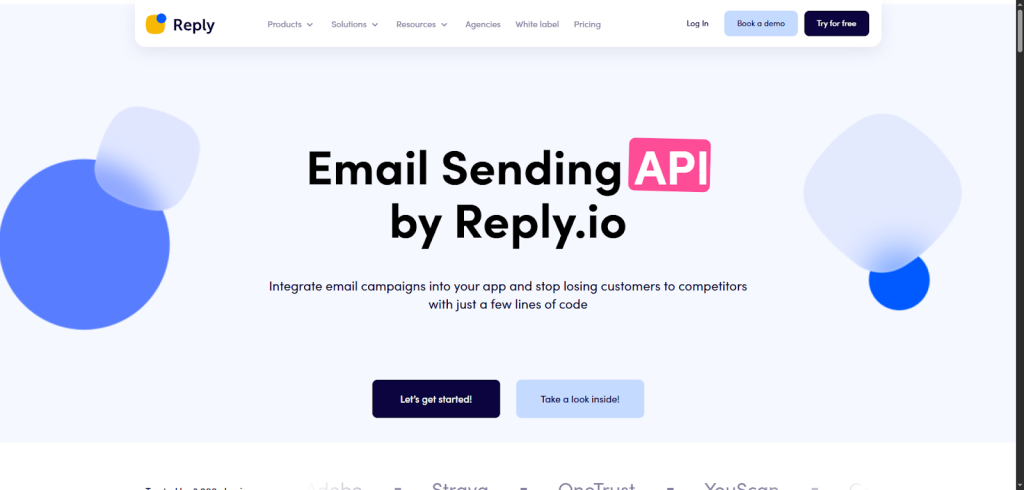
If you want an API that instantly makes your product smarter, faster, and more valuable, Reply.io’s Email Sending & Enrichment API (powered by Generect) is worth a serious look. Think of it as adding a fully equipped outreach engine into your platform, without building everything from scratch.
Reply starts with its biggest advantage: data. You get access to 1+ billion B2B contacts, real-time data search, and quick enrichment. That means when your users add a lead, you can instantly fill in missing details: job title, company info, email, and more. No guessing. No jumping between tools.
Then you layer in automation. With Reply’s sequencing engine, you let users:
- connect their email accounts,
- send multi-step sequences,
- track opens, clicks, and replies,
- and manage everything directly inside your product.
You’re basically giving them a built-in outreach hub. And yes! Reply handles deliverability, blacklisting, permissions, templates, and even Google OAuth verification for smooth authentication.
From there, you can guide users to create campaigns, manage contacts, or build templates using simple API calls. It feels like storytelling in code: create a user → add a mailbox → launch a campaign → watch results roll in.
As your customers grow, the API scales with them. With SOC 2, GDPR, and Privacy Shield compliance, you don’t need to worry about security either.
Wiza API
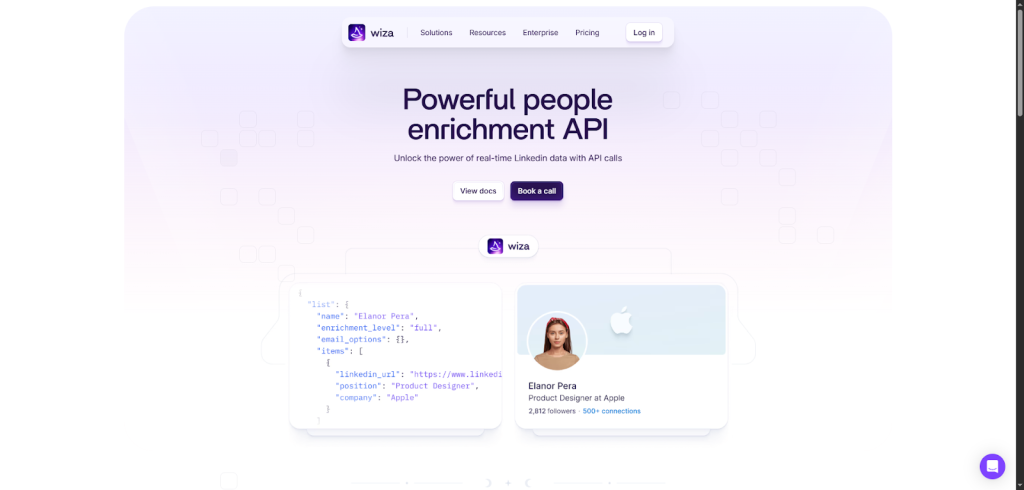
Wiza’s Enrichment API works like this: you give Wiza a name and company (or even better, a social profile URL) and it returns 50+ data points instantly. Think emails, phone numbers, job titles, company info, and more.
It feels like flipping on a light switch and finally seeing the full picture of your prospect.
But you don’t have to stop at enriching what you already have. Wiza also lets you build new prospect lists programmatically. You can filter by job title, location, industry, company size, and 20+ other attributes. With each API call, you’re essentially asking, “Who are the right people?” and you get back verified, up-to-date profiles you can use right away.
The best part is the pricing model. You only pay for verified contact details. No waste, no surprises. If Wiza can’t verify the email in real time, you don’t spend a credit. That makes it perfect for teams scaling intelligently.
To integrate, you just follow their straightforward API docs, make your first call, and start enriching your CRM in minutes.
Hunter API
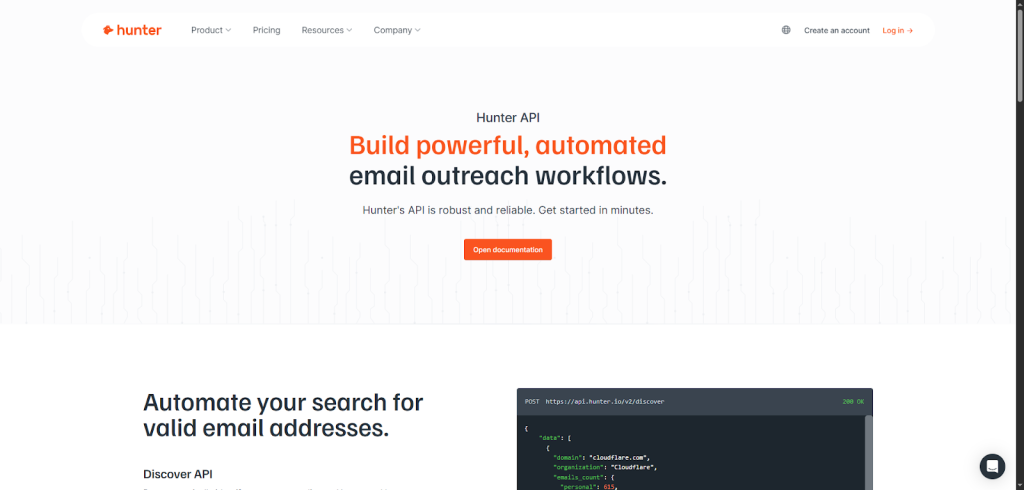
Hunter is built for teams that need clean email data, clear company insights, and automated workflows without wrestling with complex setup. You’ll get up and running in minutes with their simple docs and free API key.
Hunter starts with three essentials: finding, verifying, and enriching. You can search for companies that fit your ICP using natural language. Just write what you’re looking for, like “US-based software companies,” and the Discover API returns domains, industries, locations, and email volumes instantly. It feels like having a data researcher inside your code.
Next, you can dive deeper with the Domain Search, Email Finder, and Email Verifier APIs. Together, they help you pinpoint valid addresses and avoid bounce-heavy outreach. When you identify the right people, Hunter’s Lead Enrichment API turns a single email or LinkedIn handle into a full profile: job title, location, social handles, even seniority.
From there, it’s easy to manage leads and campaigns programmatically. Fetch, add, or update leads, organize them into lists, and keep everything synced with your CRM using the Leads and Campaigns APIs.
Your ICP, delivered daily
Set your ICP once. Our API finds, verifies, and enriches matching prospects in real time. You do nothing.
Kaspr API
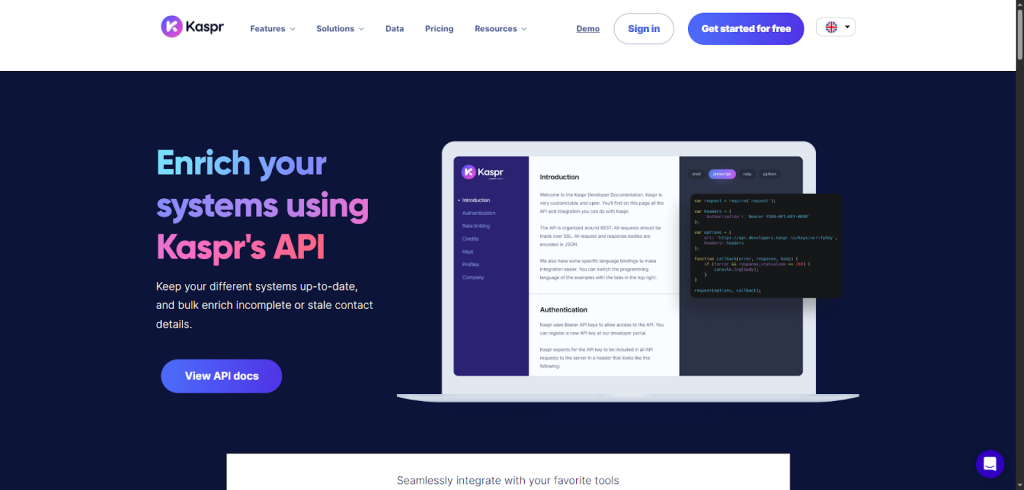
Kaspr focuses on one thing (turning a LinkedIn profile URL into complete, reliable contact data) and it does it extremely well. You give Kaspr the URL, and it fills in the rest: phone numbers, emails, job titles, company details, and more.
What makes it practical is how it works behind the scenes. Kaspr cross-references each profile with its GDPR- and CCPA-aligned database, then enriches any missing fields. You don’t have to manage lookups or build logic for matching records. Kaspr handles it, and your systems stay up to date automatically.
Once you set it up, you’ll free your team from manual input. Instead of copying details from LinkedIn, they can focus on selling, sourcing candidates, or qualifying leads. From CRM syncing to automated bulk enrichment, the API keeps everything running quietly in the background.
You can also integrate Kaspr with tools like HubSpot, Salesforce, Pipedrive, Brevo, lemlist, and more. Just map your fields, send the LinkedIn URL, and watch your CRM fill itself.
Access levels depend on your plan: Starter for basics, Business for advanced features, and Organization for premium access.
People Data Labs API
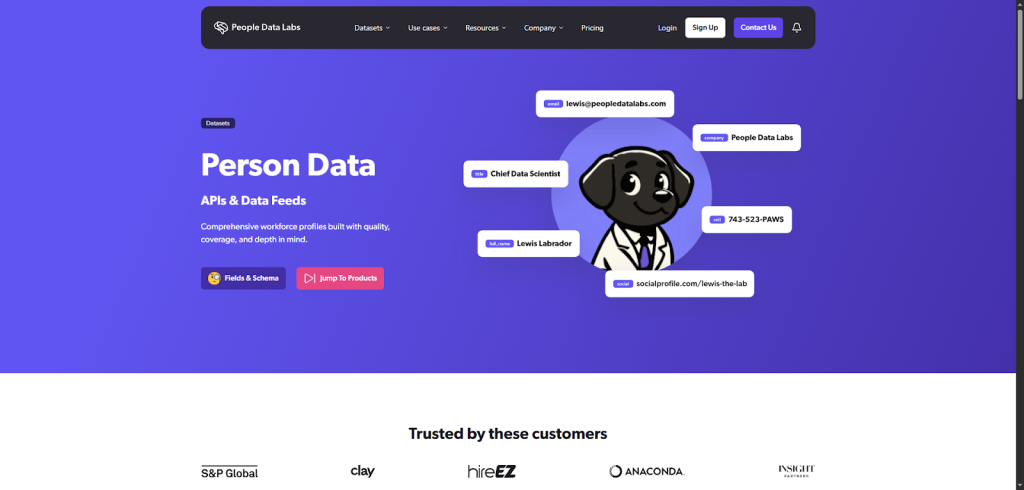
PDL’s built on massive, high-quality datasets, and it gives you access to detailed workforce profiles without needing to host or maintain that data yourself.
PDL makes enrichment simple. You start with whatever information you already have: a name, email, phone number, job history, education, or even a social link. You send that to the Enrichment API, and PDL returns a complete profile with far more depth than basic CRM tools offer. It feels a bit like handing over a puzzle piece and getting the full picture back.
If you need more control, you can scale up with bulk endpoints, fast response times, and configurable match strictness. You decide how close the match needs to be, so you only pay when the data meets your standards.
PDL also offers supporting tools like the Search API, Identify API, and IP Enrichment API, letting you build workflows around audience discovery, lead scoring, or identifying anonymous traffic. You can even access their data through Snowflake, Databricks, or licensed feeds if you’re working with heavy volumes.
Mattermark API
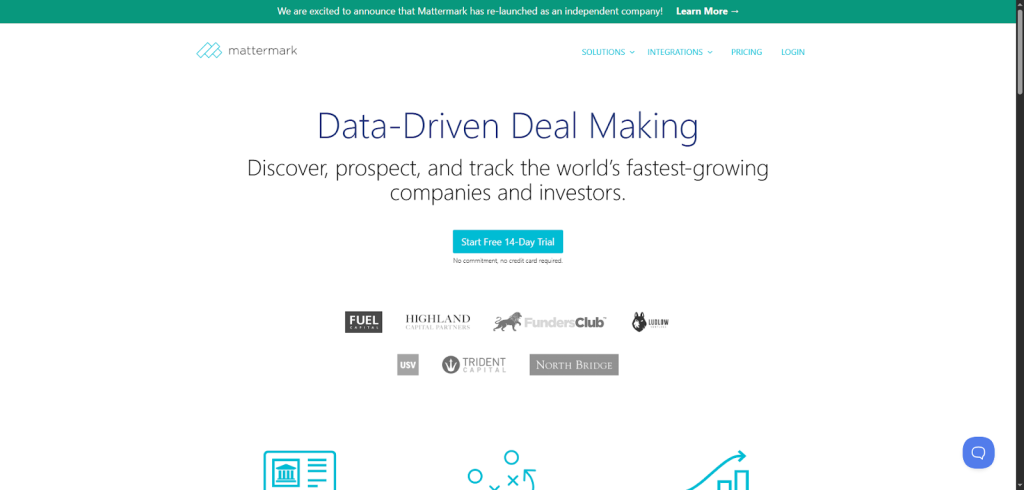
Mattermark is perfect if you want enrichment that goes beyond basic contact details and gives you real business intelligence. Instead of just telling you who a company is, it shows you how fast they’re growing and why they matter. That’s what makes the Mattermark API especially powerful for CRM enrichment in 2026.
You start with a simple idea: identify the companies worth your time. Mattermark does this by pulling data from millions of websites and news sources using machine learning, web crawlers, and NLP, then validating it daily with human analysts. When you enrich a lead, you don’t just get industry or location; you get 80+ fields covering revenue, funding, employee growth, key personnel, and trending signals like press mentions or traffic shifts.
From there, the workflow is straightforward. You can:
- automatically sync data into Salesforce,
- build custom lead scoring models using their REST or GraphQL API,
- or pull insights directly into Google Sheets or Excel.
It’s flexible, so you can shape it around how your team already works.
As you use the API, you’ll quickly see the advantage: you’re not just enriching leads. You’re prioritizing them. Mattermark’s growth scores help you decide who’s heating up, who’s worth contacting, and where your outreach will have the biggest impact.
EnrichmentAPI
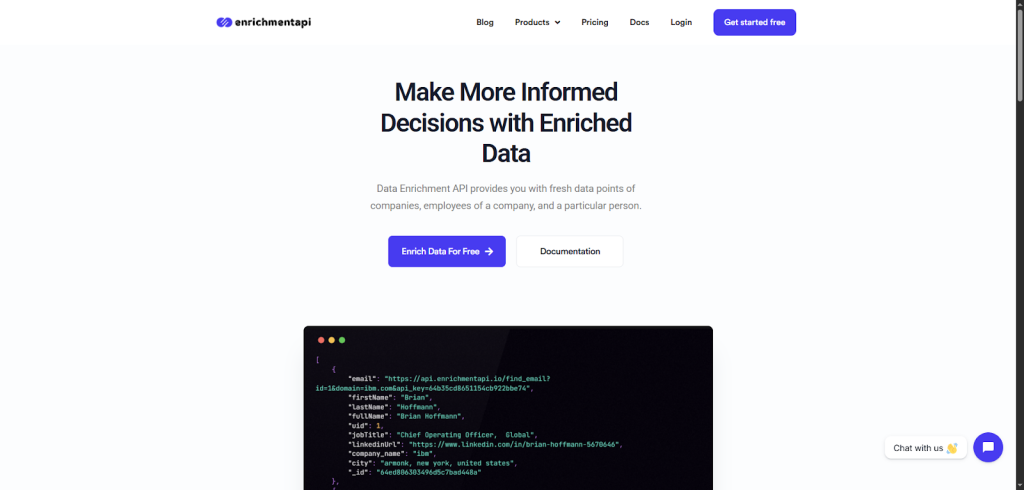
EnrichmentAPI is designed for teams that need fresher, deeper data without managing a heavy data stack. Think of it as a plug-and-play engine that fills in the gaps in your CRM the moment you call it.
You start by sending the API a single input: an email, domain, name, or company. From there, EnrichmentAPI scans the web in real time and returns enriched details about the person, the company, or even the employees inside it. It feels like turning a tiny clue into a full profile.
This simplicity makes it perfect for practical use cases. You can upgrade customer profiles, improve lead scoring, personalize marketing, support recruiting, and even spot fraud by adding extra context around suspicious data. And because everything comes from one clean endpoint, you don’t waste time juggling multiple services.
Integrating it is straightforward. You hit the API, receive the enriched payload, and map those fields directly into your CRM. Once it’s in place, your workflows (segmentation, targeting, prioritization) instantly get smarter.
Give your product superpowers
Add live lead data, automated enrichment, and verified emails directly into your platform – completely white-labeled.
Lusha API
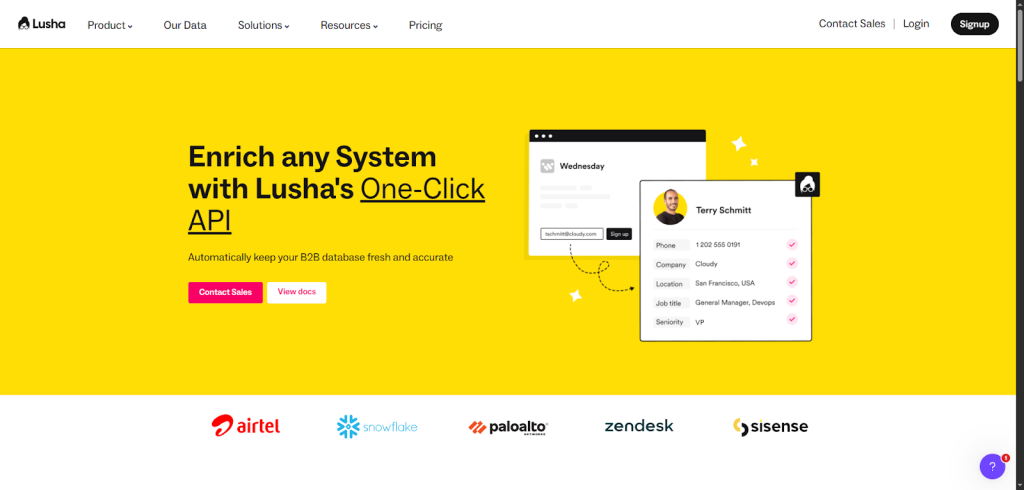
If you want an API that keeps your B2B data fresh without constant manual work, Lusha’s API is a strong pick. It’s built for teams that want clean, accurate contact and company data delivered automatically into their CRM or CDP. You set the rules once, and Lusha does the rest.
The magic starts with the Prospecting API, which helps you build high-quality lead lists using ICP filters. You can narrow prospects by title, seniority, location, and more. Once your filters are set, you don’t have to revisit them – the API keeps feeding your system new, relevant leads.
Then there’s the Person API, which enriches records with direct dials, emails, and workplace updates. Just send an email address or LinkedIn URL, and you’ll get back verified, ready-to-use data. Need to update large lists? You can process up to 100 contacts in one call.
If you’re mapping accounts, the Company API adds firmographic details like industry, size, and technologies – perfect for routing and territory management. Bulk requests also make it easy to refresh entire segments at once.
You can integrate through code or skip it entirely using Zapier or Workato. Either way, setup is simple: talk to Lusha’s team, choose your endpoints, and start syncing.
LeadGenius API
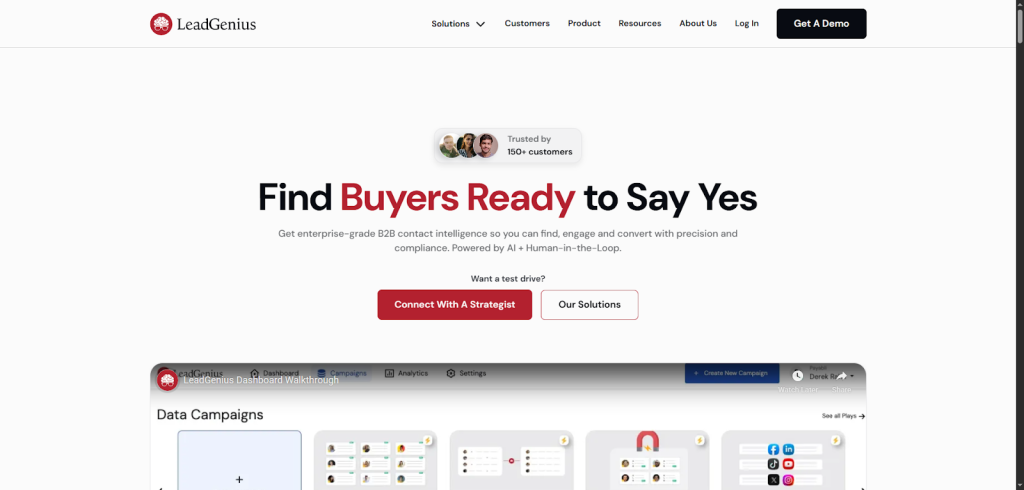
LeadGenius’s new self-serve API is a breath of fresh air. It’s built for teams that want real-time enrichment, instant access, and data workflows they can customize without waiting on sales calls or support tickets.
You start by signing up for an API trial. LeadGenius immediately gives you your API key, sample Postman collections, and clear documentation. Within minutes, you can run your first call and watch enriched company or contact data flow in.
From there, you can explore the three core use cases:
- Company Enrichment: Send a domain or LinkedIn URL to get firmographics, technographics, and buying signals.
- Contact Enrichment: Input a name or descriptor and receive verified work emails, titles, roles, and locations.
- Contact Discovery: Upload an ICP and target accounts, then get matching contacts you can enrich further.
The new developer hub makes it easy to test endpoints, set up webhooks, and plug the API into your CRM, product, or RevOps stack. Everything is designed for speed and flexibility.
Coresignal API
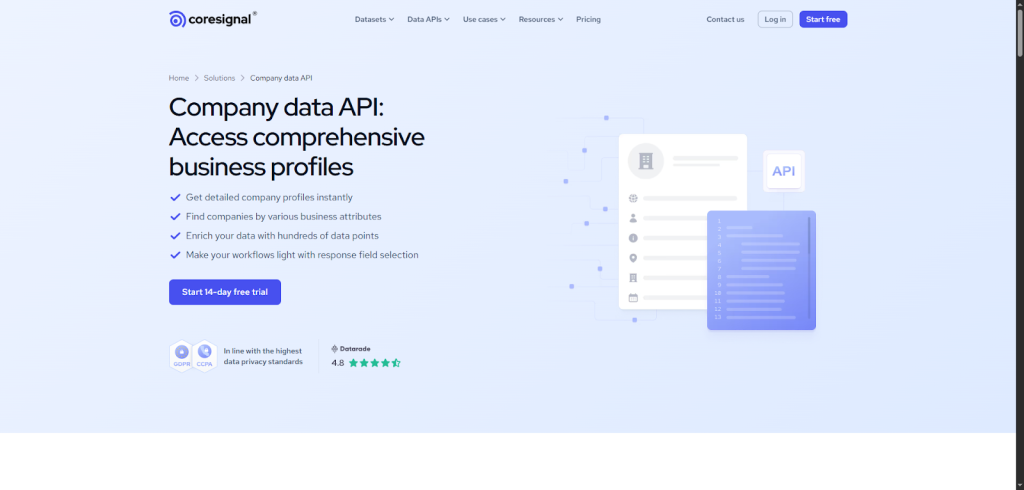
Coresignal’s Company Data API is built for teams that need detailed, AI-ready company profiles – hundreds of data points covering everything from headcount changes to funding rounds and product reviews.
You start by creating a free trial account. From there, you can test the API using playgrounds, samples, and response-field selection, which lets you pull only the data you actually need. It feels like customizing your own data stream rather than downloading a one-size-fits-all dataset.
Once you’re ready, you can explore three main APIs:
- Base Company API for clean, structured records.
- Clean Company API for fully normalized data.
- Multi-Source Company API for the deepest, AI-enriched profiles with 500+ fields.
This last one is where the magic happens. You can track workforce trends, see monthly headcount growth, analyze funding history, check revenue estimates, and even compare companies across industries and regions.
Coresignal also makes discovery easy. You can filter companies by industry, size, geography, or any combination of attributes to find high-value targets. Then just enrich your records or export full profiles in JSONL or CSV.
FullEnrich API
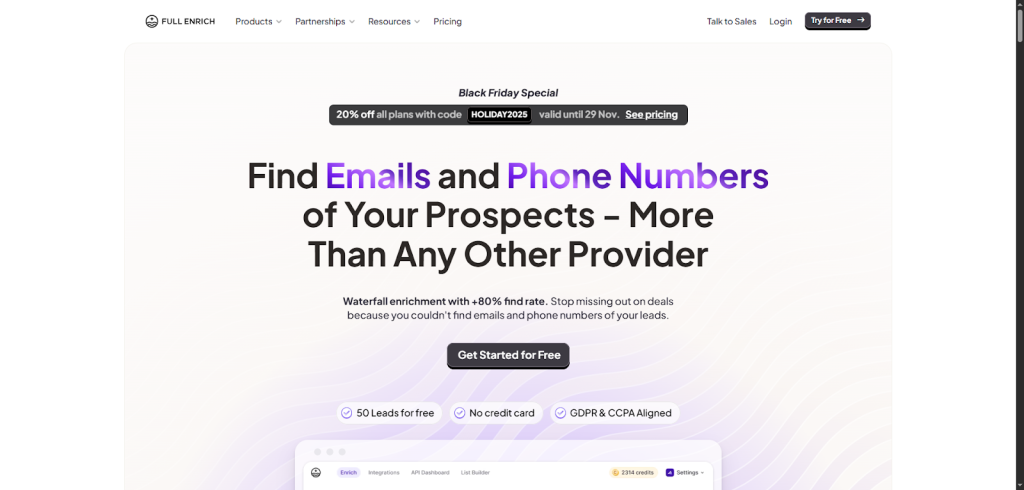
FullEnrich is built around a “waterfall enrichment” engine that pulls data from 20+ premium vendors, giving you an industry-leading 80%+ find rate. In practical terms, that means you finally reach the people other tools miss.
Getting started is simple. You sign up for free, get 50 leads to try, and plug the API into your workflow. Once it’s connected, the API automatically enriches your leads with verified mobile numbers, emails, and location data. You send a list of contacts and FullEnrich returns results you can act on immediately.
What makes it powerful is the accuracy. FullEnrich uses three verification systems to keep bounce rates under 1%, validates mobile numbers, and even compares phone ownership to ensure you’re calling the right person. If a contact is catch-all or tricky, the system still finds safe-to-send emails for up to 80% of them.
As you scale, the API handles bulk enrichment, integrates with 1,000+ apps, and adapts to global regions by selecting the best data vendors automatically.
Better leads = Better revenue
98% valid, fully enriched, zero-bounce contacts. When your pipeline is clean, your conversions jump.
Cognism API
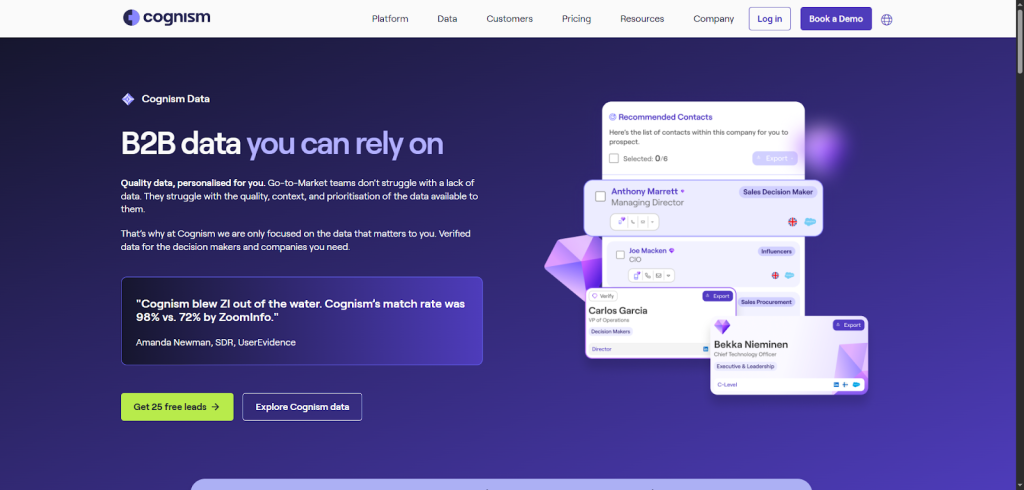
Cognism’s API is built for teams that don’t just want more data. They want the right data. If you’re tired of outdated records, low match rates, and missing context, Cognism’s AI-driven fusion engine gives you a cleaner, smarter foundation for your CRM.
You start by connecting the API to your CRM or workflows. Once it’s in place, Cognism begins sourcing data from press releases, public registries, news articles, earnings reports, and trusted vendors. Its AI stitches these pieces together, scores their accuracy, and filters everything through multiple verification layers. You don’t have to guess what’s reliable – the engine decides for you.
That’s how Cognism produces its well-known Diamond Data®, with verified contacts, direct dials, and decision-makers refreshed every 30 days. You’ll enrich your pipeline with director-level and above contacts across the US and Europe, plus accurate revenue and headcount data for companies with 50+ employees.
Where the API really shines is context. You’ll get:
- hiring trends to spot teams expanding,
- funding alerts to time your outreach,
- technographics to see what tools a company uses,
- M&A data for key shifts,
- and intent signals that show interest in your category.
Snov API
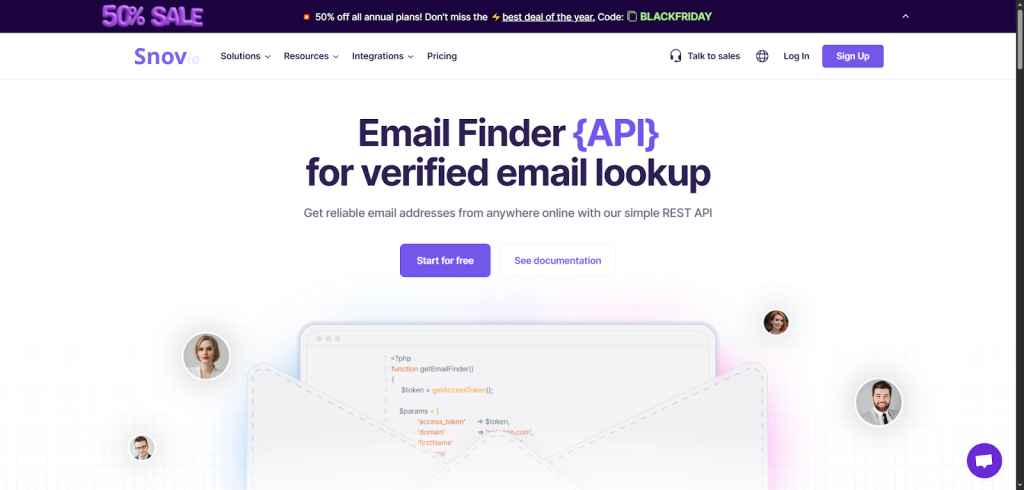
If you want an API that helps you find verified emails quickly and reliably, Snov.io’s Email Finder API is one of the easiest tools to plug into your CRM stack. It’s built for speed, accuracy, and scale, so you can enrich leads automatically without adding extra manual steps.
You start by sending the API a domain, name, or URL. Snov searches its constantly updated database and returns verified email addresses you can use right away. It feels like giving the API a hint and getting back exactly what you were looking for.
As you explore deeper, you’ll see how flexible it is. You can:
- run domain searches to pull all emails tied to a company,
- find individual emails using a name and company,
- enrich prospects directly from their URL,
- retrieve profile details from an email address,
- and even check how many emails exist for a domain.
If you’re working with large lists, the bulk search features save hours by processing many contacts at once. And because Snov has a clear rate limit (60 requests per minute) you always know how to pace your automation.
Integrating is straightforward with REST endpoints and strong documentation. You can even test the API for free before upgrading.
UpLead API
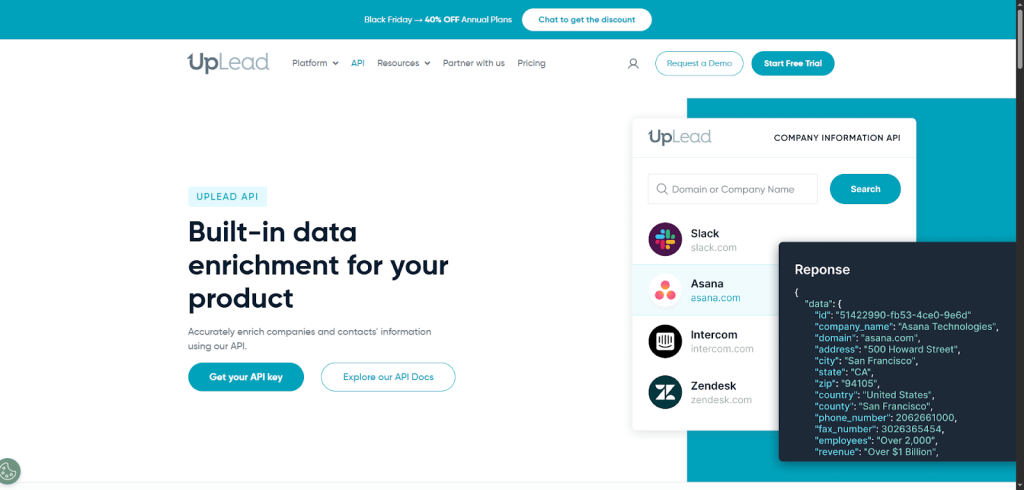
UpLead’s API is one of the easiest options to work with. It’s built around accuracy first, and it only charges you when it actually finds verified data, so you never waste credits.
You start by grabbing your API key and choosing which enrichment flow fits your workflow. The Company Enrichment API lets you turn a domain or company name into 30+ clean attributes like size, phone numbers, location, and social links. It’s perfect when you want to fill in missing firmographic data instantly.
If you’re enriching contacts, the Person Enrichment API helps you look up people by email, or by name plus domain. You’ll pull verified emails, phone numbers, LinkedIn URLs, and other details you can drop straight into your CRM.
For even smoother automation, the Combined API returns both person and company information in one call. And if you need to help users discover new prospects, the Prospector API lets you find leads based on title, function, management level, or location.
As you integrate, UpLead keeps things simple: unlimited API calls, free logo retrieval, and clear documentation to guide each step.
Apollo API
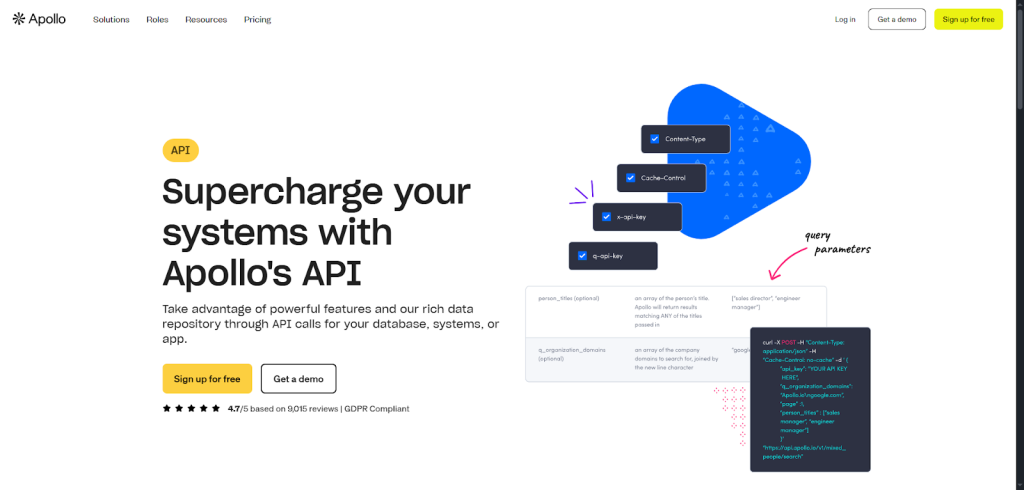
Apollo gives you access to a massive B2B database plus the ability to automate outreach, manage workflows, and update CRM records, straight from your own systems.
You start by grabbing your API key and making your first REST call. You can request data on people, companies, opportunities. Basically anything you can see in Apollo’s UI. The API lets you search, pull, or update records with verified emails, direct dials, company size, industry, and other essentials your team needs to prioritize better.
From there, you can go deeper and use the API to automate parts of your outbound process. Instead of clicking through the interface, you can update sequences, tweak steps, or add prospects programmatically. It’s a simple way to scale your outreach without adding repetitive work.
As you grow, Apollo’s API also helps you manage your internal workflows. You can adjust task priorities, update due dates, and sync custom fields, making your CRM smarter without manual overhead.
Because Apollo charges only for requests that hit their servers, you don’t waste credits on failed calls or empty results.
Finding the right API is only half the job. Next, you’ll learn how to connect it to your CRM so the data flows automatically.
The API that does leadgen for you
From sourcing to enrichment to validation – Generect runs the entire pipeline while your team takes the credit.
How do you integrate enrichment APIs into your CRM?
Integrating a CRM enrichment API into your CRM doesn’t have to feel technical or overwhelming. Think of it like adding a smart helper that quietly updates every record while you focus on bigger tasks. You’ll learn how to set it up in a simple, repeatable way.
Let’s start with the basics. The easiest path is using native integrations. Many enrichment tools plug directly into platforms like HubSpot, Salesforce, and Pipedrive. You just install the app, connect your account, and choose which fields you want enriched. It’s quick, no code required, and perfect if you want fast results.
If you’re more hands-on, you can use custom API calls. This gives you full control. You decide when enrichment runs, what data gets sent, and how results map back. Most teams trigger API calls when a lead is created, updated, or moved through a pipeline stage – ideal for clean, consistent lead enrichment for CRM.
Now, if you want to automate even more without building everything yourself, tools like Zapier, Make, or lightweight internal scripts can help. They let you set rules such as:
- “When a new contact is added, send it to enrichment.”
- “When a domain appears, pull company details automatically.”
These small rules add up and save hours over time.
Once enrichment is running smoothly, the next step is maintaining data hygiene. Enriched data is only valuable if it stays accurate. You’ll want to:
- Review field mappings occasionally.
- Clean duplicate records.
- Set validation rules (e.g., enforce proper email formats).
- Schedule periodic re-enrichment to catch changes in job titles or company details.
As your workflows mature, update your processes too. For example, build alerts when crucial data points are missing or outdated. Train your team to rely on enriched fields when qualifying and prioritizing leads. The more your team trusts the data, the more confidently they’ll act on it.
When everything works together (native integrations, automated workflows, and ongoing hygiene), you get a CRM that feels alive, helpful, and always up-to-date. It’s the kind of setup that supports you quietly while you scale fast and stay organized.
Once your enrichment engine is running, it’s worth looking ahead. Here’s where the space is heading and what you can expect in the coming years.
What’s next for CRM enrichment?
The future of CRM enrichment is all about smarter automation and deeper personalization. Tools won’t just fill in missing data. They’ll understand context, predict needs, and help you act faster.
You’ll learn how to use these systems to tailor every touchpoint, from the first email to long-term customer success.
As AI becomes standard in sales stacks, enrichment becomes the engine behind it. A strong CRM enrichment API feeds your tools real-time insights, while CRM contact enrichment keeps profiles fresh so your AI models make better decisions, not guesses.
And it all connects: cleaner data → smarter automation → more relevant outreach. That’s the direction every modern team is heading.
If you want to see how this works in practice, check out Generect API. It’s built to make enrichment simple, fast, and reliable – exactly what you need to level up your CRM for 2026 and beyond.

